How I Use AI In My Photography Business
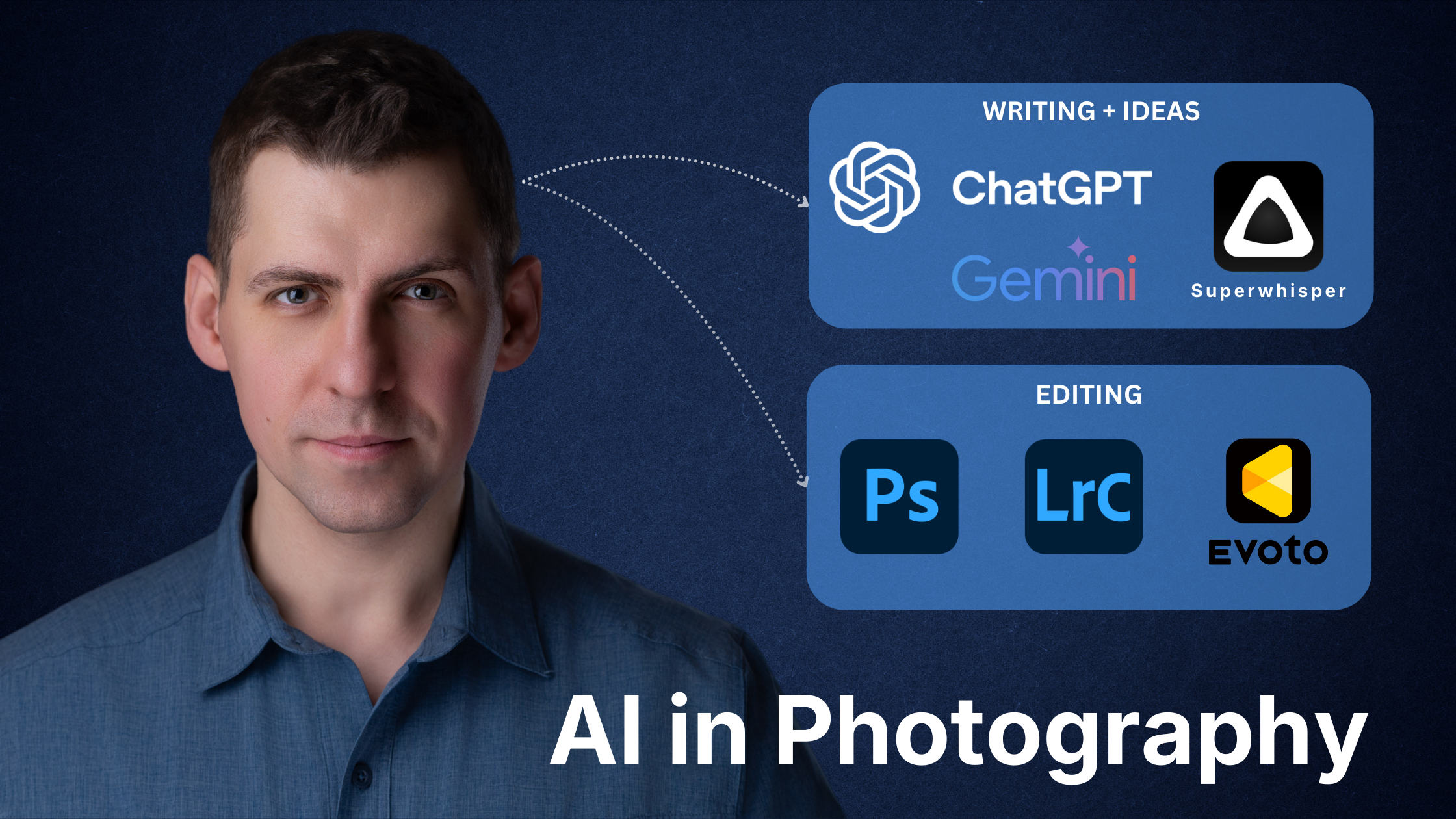
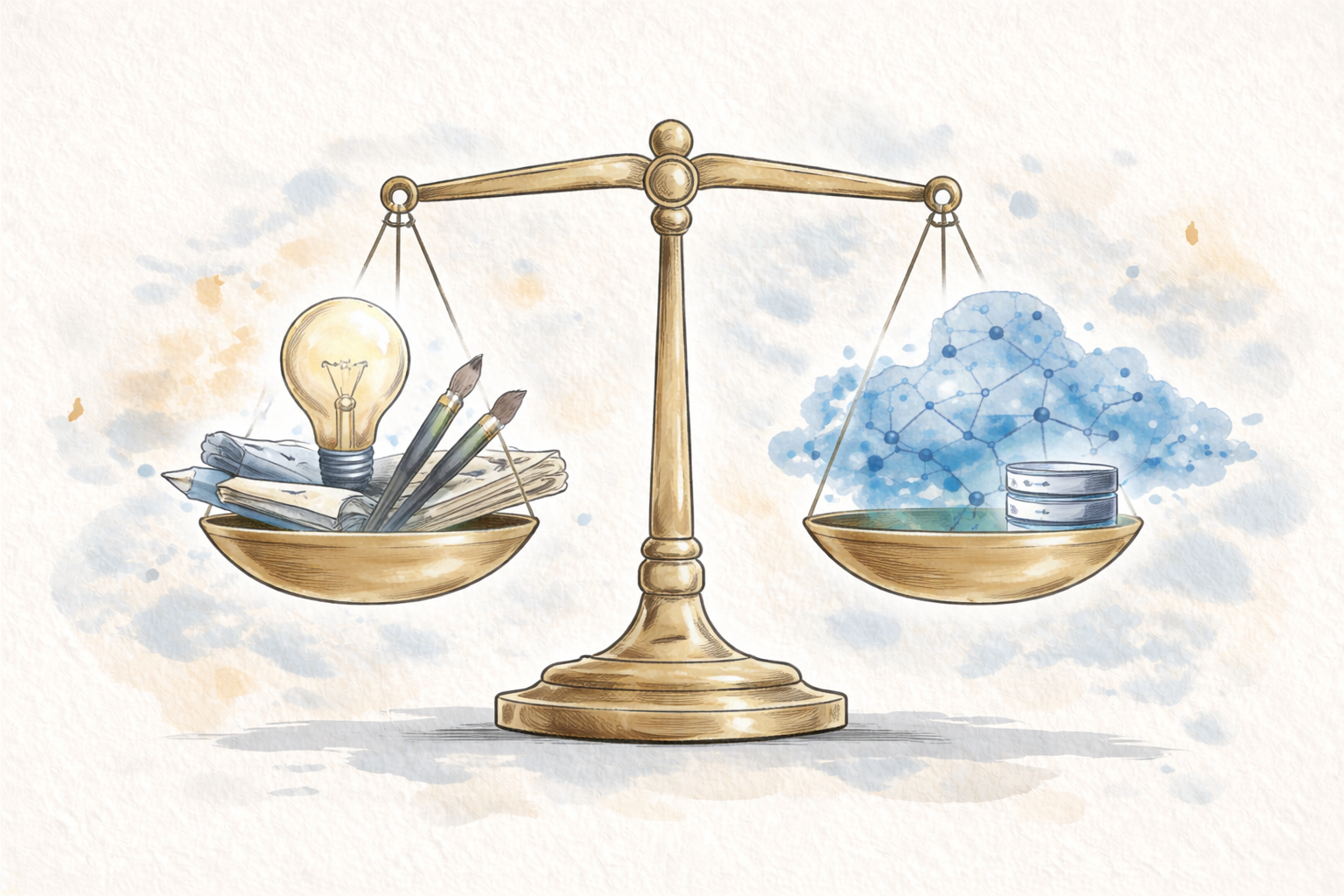
AI is now everywhere, also in photography. For me it is not about replacing my creativity or my connection with people, it is about having a smart assistant that helps me work better.
In this article I want to share how I actually use Gen AI tools in my real, everyday portrait photography business, both for clients and for my own creative projects. You will see where AI fits into my workflow, what tools I use, and how I keep my voice and authenticity in the process.
1. AI as my copywriting assistant
Large language models like ChatGPT, Google Gemini or Claude help me with most of my writing:
blog posts
website copy
emails and guides
social media captions
YouTube scripts
All core ideas come from:
my handwritten notes
bullet points in my phone
or voice recordings where I speak freely
Then I bring this raw material into AI and ask it to:
clean up grammar and spelling
improve flow and structure
remove repetitions
make the message clearer for the reader
My favourite “harsh but honest” trick
A small pro tip I use almost every time:
I ask AI to rate the draft from 1 to 10 and to critique it harshly but honestly.
This instruction changes the style of feedback completely. Instead of “Nice article, here are 3 small changes,” it points out:
weak parts
confusing sections
sentences that are too long
parts that feel vague or repetitive
I rarely accept all suggestions blindly. I read them, think about them, and keep only what fits my voice. Usually I go through 2–5 rounds of refinement until the text feels like me, just clearer and more structured.
For example, this blog post started as a spoken draft, then turned into text, and finally went through several AI-assisted editing rounds before becoming what you are reading now.
2. Turning spoken thoughts into text
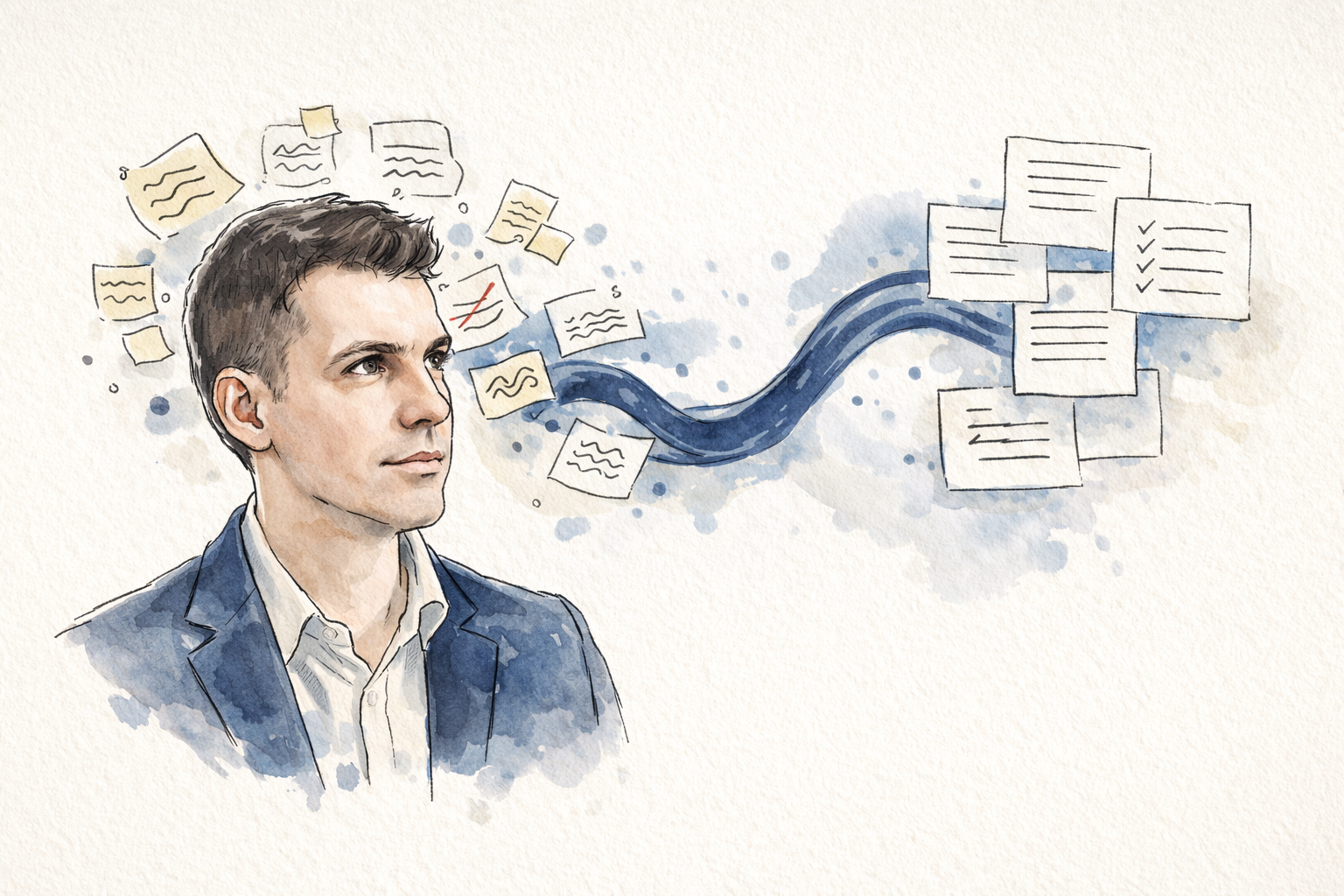
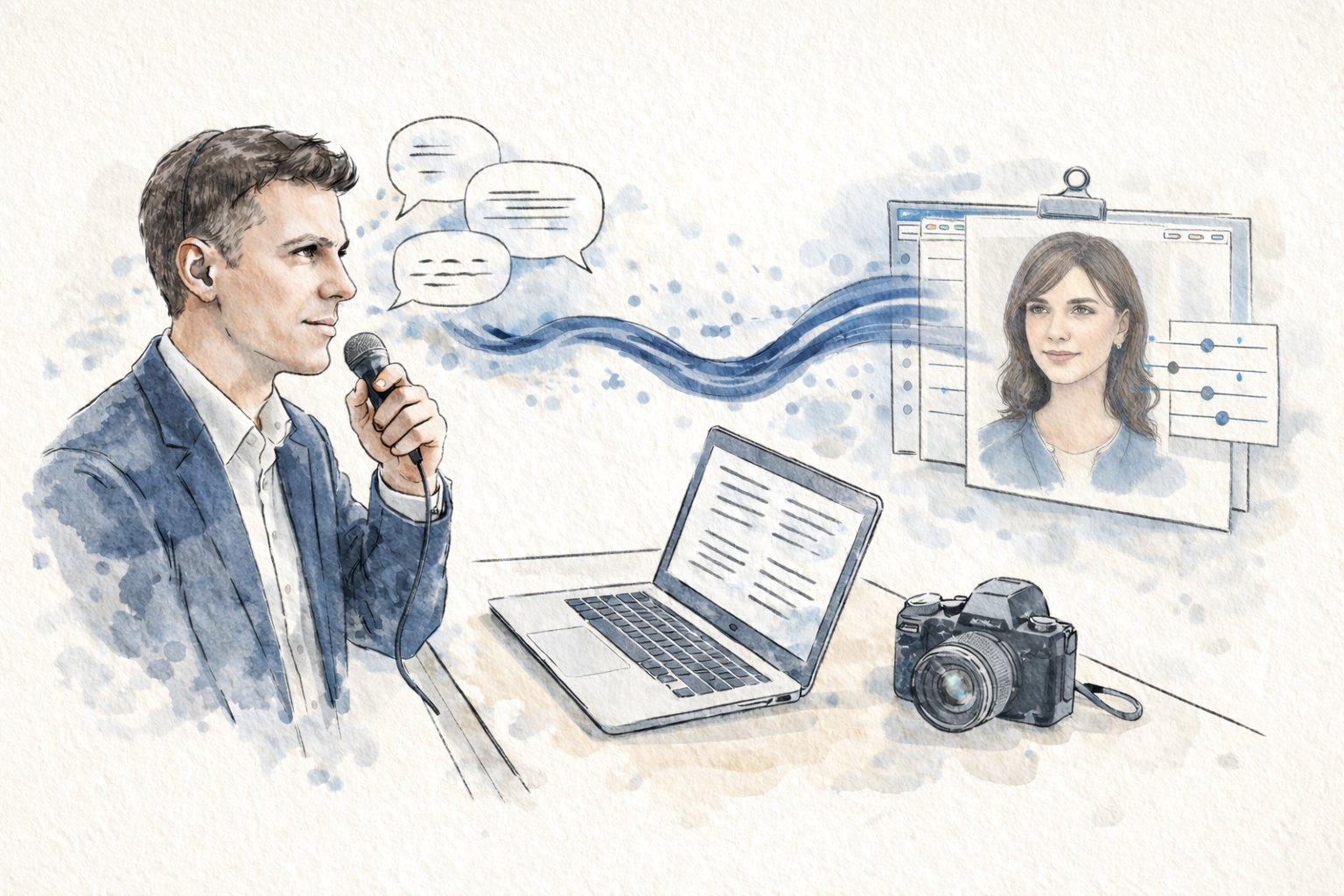
Typing long texts can be slow and sometimes stops the natural flow of ideas. To avoid this, I often record my thoughts as audio.
I use tools like Superwhisper, a speech-to-text app that records your voice and transcribes it into written text.
My workflow looks like this:
I speak freely, as if explaining something to a friend.
Superwhisper records and automatically transcribes my words.
I paste this raw transcript into ChatGPT.
From there, I edit, restructure and polish the text.
This removes the limitation of how fast I can type and lets me capture ideas while walking, sitting in a café or after a photoshoot, when thoughts are still fresh.
3. Smarter retouching with AI
Editing portraits is a big part of my work. Recently, I started using Evoto AI, an AI-powered portrait retouching tool, and it significantly improved my efficiency.
Here is how I use it:
I stay careful not to over-edit. Authenticity is essential in my work, whether I use Lightroom, Photoshop or AI tools.
I create different presets or flows for specific cases, for example:
female business portraits
male headshots
softer authentic portraits
When I photograph one person or a team in the same lighting conditions, I can edit one image, then sync this edit to all other photos from the same setup.
In practice, this can speed up the editing process easily 10× compared to doing every portrait manually from scratch.
Before Evoto AI I also used tools like Retouch4me in Photoshop, which work very well. For the type of jobs I do now, Evoto fits my workflow better.
A small practical detail:
Evoto AI is free to use for editing,
you only pay credits when you export images.
I am not a photographer exporting hundreds of images every day. I usually buy a small package, for example 200 credits, and it lasts for a few sessions, because for most clients I deliver a curated selection of final portraits, not every single frame.
After a corporate headshot session, for example, I might select 10–20 final portraits, apply my Evoto workflow and export only those. This way I save time, keep consistency and still preserve a natural, authentic look.
4. Brainstorming and strategy partner
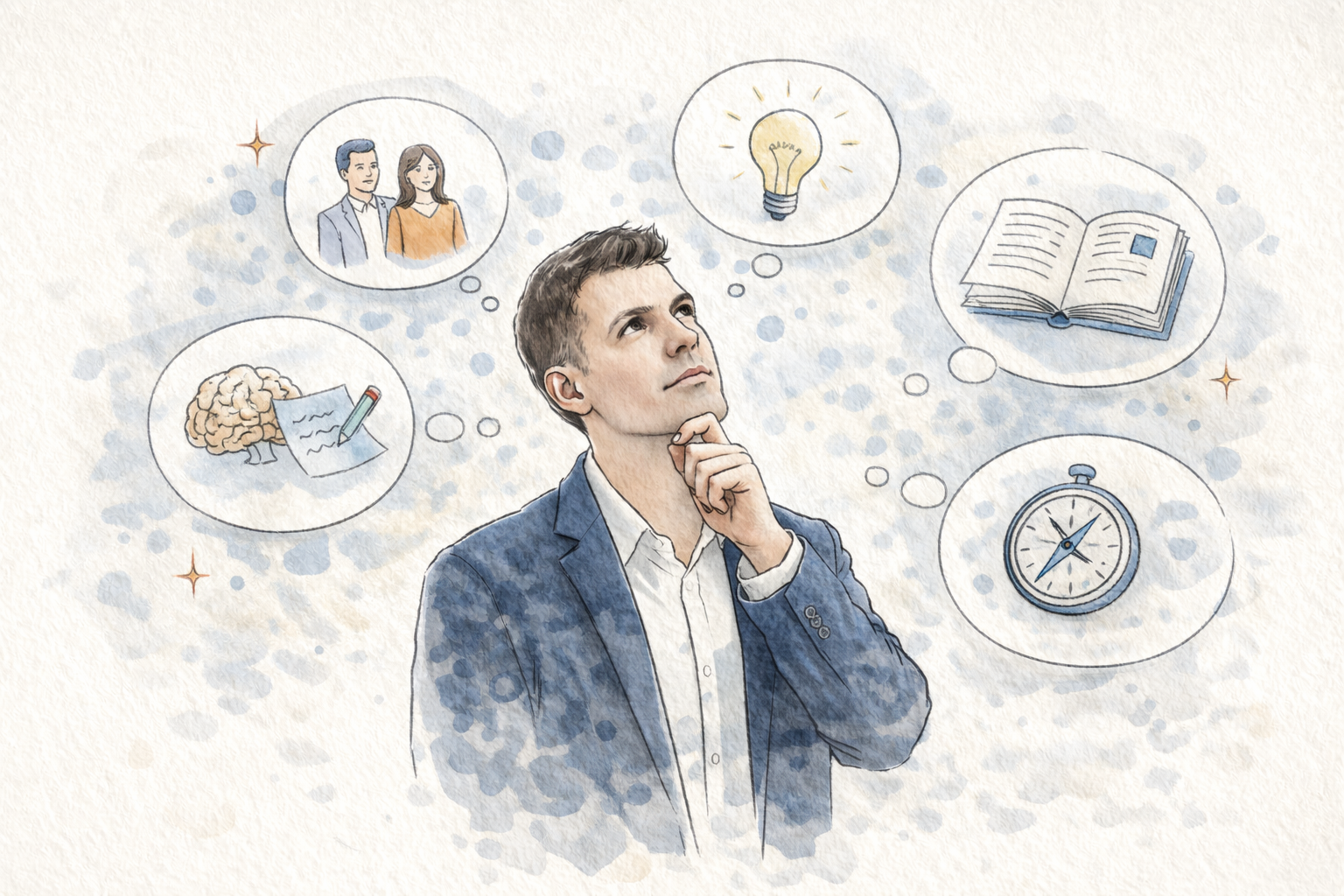
This is probably the most powerful way I use Gen AI: as a thinking partner for my business and creative work.
Most of the time I use ChatGPT, sometimes Gemini, and only rarely Claude.
4.1. Building my ideal client persona
I use AI to help me think more clearly about who my ideal clients are and what they truly value.
One of the prompts I use is inspired by Daniel Priestley’s Lifestyle Business Playbook. In a simplified form, it looks like this:
“I want to create an ideal customer persona for my business.
My ICP will be someone who sees great value in what I offer, has the budget to work with me, and has a meaningful problem I can solve.
Ask me questions about the value I provide, then create a detailed description of the ICP who would get the most from working with me.”
Instead of giving me an instant answer, AI first asks a series of questions. I answer them one by one, sometimes 10–12 in total, often with follow-up questions.
I like this “flipped interaction” approach:
I ask AI to ask me smart questions. This way it learns more about:
my style and story
my values
my tone of voice
The final customer persona feels much more accurate than if I just said “create an ICP for a photographer in Warsaw.”
4.2. Exploring intellectual property and book ideas
Another use case is exploring potential intellectual property and book ideas.
Over the last years I collected many experiences in:
portrait photography
creativity and wellbeing
building a lifestyle-focused business around my craft
With AI I explore questions like:
Which topics could become a useful book, guide or course?
Which personal stories might help others the most?
How do different themes connect into one bigger idea?
To support this, I created a custom GPT that acts as my “book and copy coach. It helps me:
structure ideas
challenge vague thinking
keep content aligned with my long-term vision
4.3. Creating master prompts and a “second brain”
When I work on a topic that I know will repeat in the future, I ask AI to help me build a master prompt.
The process is simple:
I work with AI through several iterations until we reach an output I really like.
Then I ask:
“Please create a master prompt that would reliably produce this type of result next time.”AI analyzes what worked well and creates a reusable prompt.
I save these master prompts in my notes or as PDFs.
In a similar way, I am building something like a “second brain” prompt, where I describe:
my background
my goals and values
my business ideas
key aspects of my life and work
When I start a conversation in a model that does not remember past chats, I can upload this file and it immediately understands what is relevant for me.
5. Image creation, mood boards and video tools
5.1. AI for play and for planning shoots
AI image generation is probably the most visible part of Gen AI. I also played with it a lot, and I still use it from time to time.
Some practical uses:
Creating fun illustrations in a specific style, for example a Pixar-style portrait version of someone for their birthday.
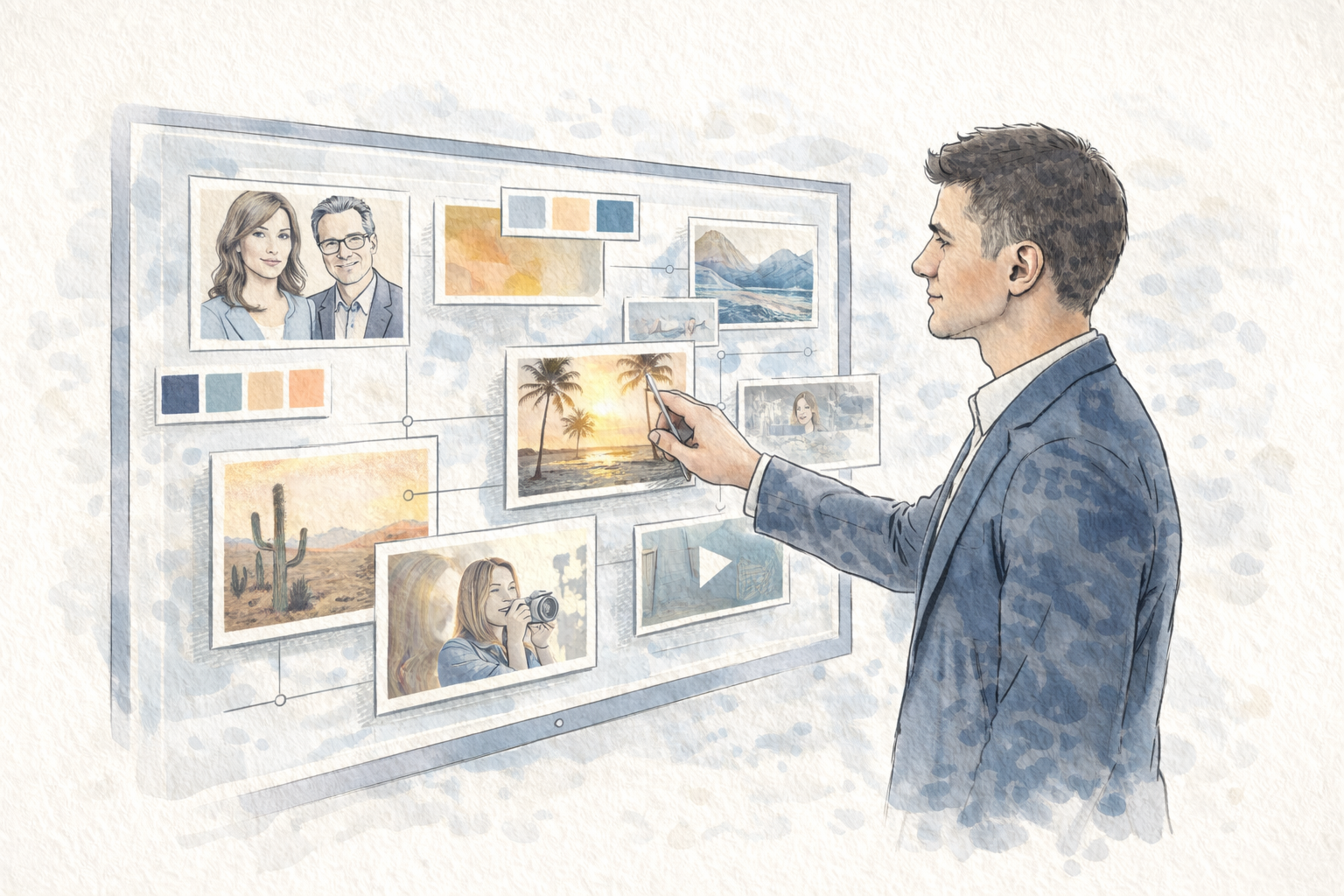
Visualizing ideas for mood boards when I plan more complex creative photoshoots.
Testing combinations of lighting, outfits, locations or poses before building a real set.
This is very helpful when I want to communicate a concept to a client or collaborator. Instead of saying “Imagine a cinematic scene in soft blue light with smoke and a spotlight,” I can show them a generated reference and say, “Something like this, but in our own way.”
5.2. AI-assisted video and editing tools
Gen AI video and audio tools are growing very fast. I tried a few short AI-generated videos, mainly out of curiosity, but at the moment they are not a big part of my photography business.
I also know AI solutions for music and sound creation are getting better. For now I prefer to use human-created music, especially for more personal work, but I might experiment more in the future.
What I am more excited to explore next are AI-assisted video editing tools for my YouTube content. Some tools can:
automatically transcribe your video into text
let you edit by editing the text instead of the timeline
remove filler words and long pauses
speed up the workflow for talking-head videos
I am still exploring these options, but I already see how they could simplify editing and keep more focus on the content itself.
6. My principles for using AI with integrity
To finish, I want to share a few simple principles that guide how I use AI in my photography business.
6.1. Go deeper, not wider
New tools appear every day. It is impossible to try them all, and trying can easily become a distraction.
I prefer to:
choose a few core tools (for example ChatGPT and Evoto AI)
use them regularly
build strong prompts and workflows
let them learn my style over time
Depth and consistency are more valuable than constantly chasing the next tool.
6.2. Use AI for real tasks, not only to play
Experimenting is fun, but I try to connect AI to real projects, for example:
writing a blog post you are now reading
preparing a guide for clients
planning a photoshoot concept
editing portraits from an actual session
preparing ideas for YouTube videos
This way AI becomes a tool that helps me solve real problems and deliver better experiences to my clients, not just a toy to play with.
6.3. Keep my voice and authenticity
Probably the most important point for me:
AI should support my voice, not replace it.
I still write or record the original content myself. AI helps me:
fix grammar and spelling
improve clarity
organise structure
clean up repetitions
But the story, the emotions and the decisions stay mine.
These are the ways I currently use AI in my photography business. I am sure my process will evolve over time, but right now this combination of tools and principles helps me stay creative, efficient and, most importantly, authentic in the work I do.
If you are curious how this looks in practice, you can explore other articles on my blog or take a look at my recent portraits. And if you already use AI in your own creative work, I would love to hear how it helps you.